
Cloud DMA
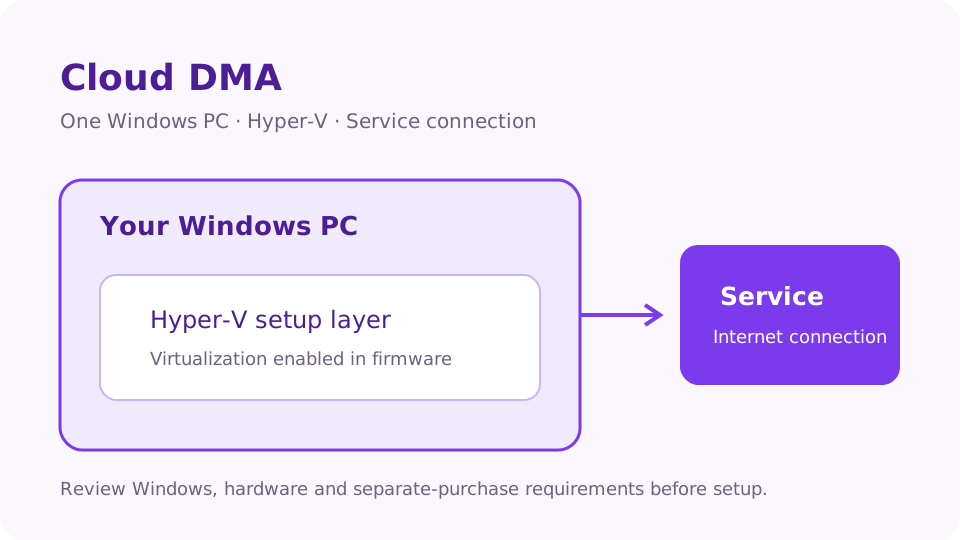
A separate setup layer for one Windows PC using Hyper-V, with lifetime access listed at $50. DayZ access is purchased separately.
At a glance
Key capabilities
What Cloud DMA focuses on before you open the full module list.
Features
| Feature | Details |
|---|---|
| Setup | Hyper-V virtual environment on one Windows PC. |
| Activation | Activation and continued connectivity through the service connection. |
| Hardware model | No second physical computer or external DMA device. |
| Access | Lifetime Cloud DMA access, subject to license and account terms. |
| Purchase scope | Cloud DMA layer only. DayZ access, GREENWARD, Static Server and AWS are separate purchases. |
Requirements
- Windows 10 or Windows 11, 64-bit.
- HVCI: ON.
- Core Isolation: ON.
- TPM: ON.
- Secure Boot: ON.
- One-PC configuration; setups requiring a second physical tower or external DMA box are not supported.
- Intel VT-x or AMD-V CPU virtualization enabled in firmware for Hyper-V.
- Ability to enable Hyper-V during guided setup. Windows Pro, Enterprise or Education is recommended; follow the installer guidance for your edition.
- At least 8 GB of system RAM; 16 GB recommended.
- Stable broadband internet for activation and continued service connectivity.
- GREENWARD: separate purchase required.
- Static Server: separate purchase required.
- AWS: separate purchase required. Static Server and AWS are different products; both are needed.
Overview
Cloud DMA setup option
How this build fits PvP, hardcore, and patch-day workflows.
A separate setup layer for one Windows PC using Hyper-V, with lifetime access listed at $50. DayZ access is purchased separately.
This purchase covers the Cloud DMA layer. GREENWARD, Static Server and AWS are required separate purchases. Static Server and AWS are different products; both are required.
Confirm Windows edition and Hyper-V compatibility before purchase. Lifetime access remains subject to license terms, account standing and product availability.
Experience
In the client · After you buy
Use the screenshots above for Cloud DMA—below is what each layer means and how access works after checkout.
In-game layers
- Layer A
Single-PC setup
Hyper-V on your Windows PC connects to the service layer.
Guides
Learn more about Cloud DMA
Curated articles for setup, tuning, and patch-day checks that match this product.
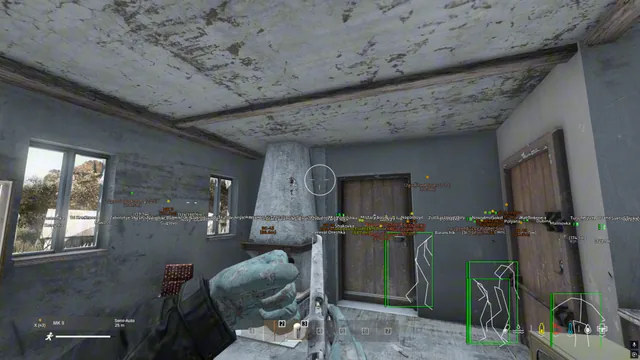
Understand Cloud DMA for DayZ: single-PC setup, Windows and Hyper-V requirements, security settings, license terms and required separate purchases.
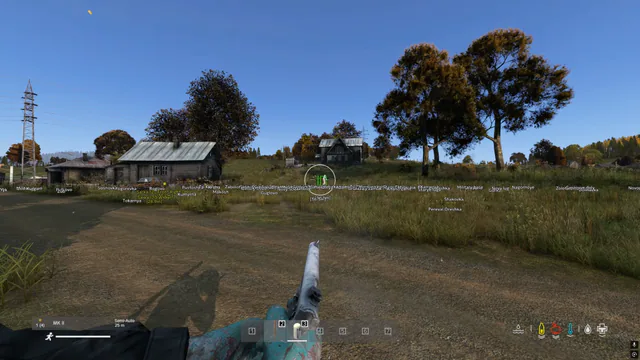
Learn how to buy DayZ cheats: compare features, verify Windows requirements, budget for separate setup purchases and review access terms before checkout.
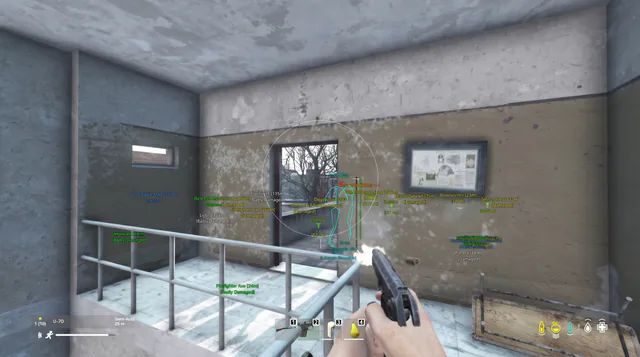
Understand DayZ cheats, game practice and product features. Learn how to compare ESP categories, access terms and server permissions without mixing them up.
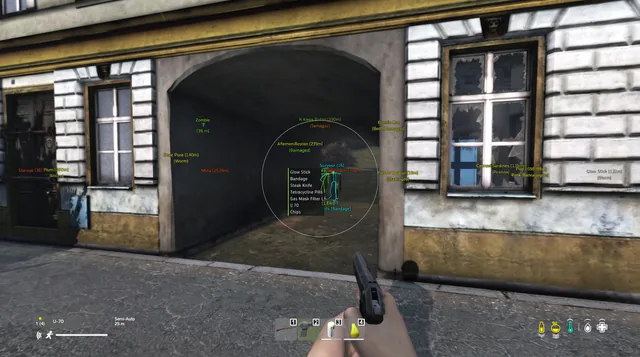
Compare DayZ aimbot and ESP controls: targeting settings, player information, item displays and configuration questions to resolve before purchasing access.
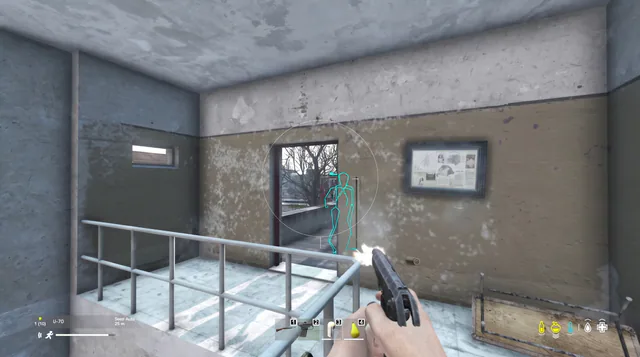
Plan your DayZ cheats setup: check Windows edition, security requirements, Cloud DMA dependencies, complete costs and questions for support before buying.
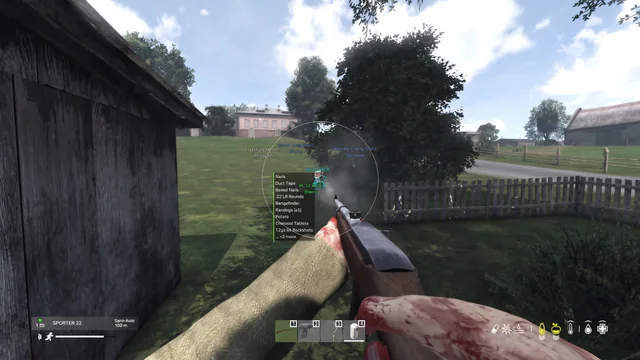
Explore the DayZ cheats feature list: player, world and item ESP, aimbot controls, configurations and the boundaries of the current product catalog.
Product FAQ
DayZ cheats questions
Answers about the listed product, access durations, requirements and feature scope.